From Backup to Recovery: Data Protection in the Real World. Enterprise backup insights, storage strategies, and cyber resilience expertise
Subscribe to Our Newsletter
125.000
Join the List of Subscribers
Latest Blogs
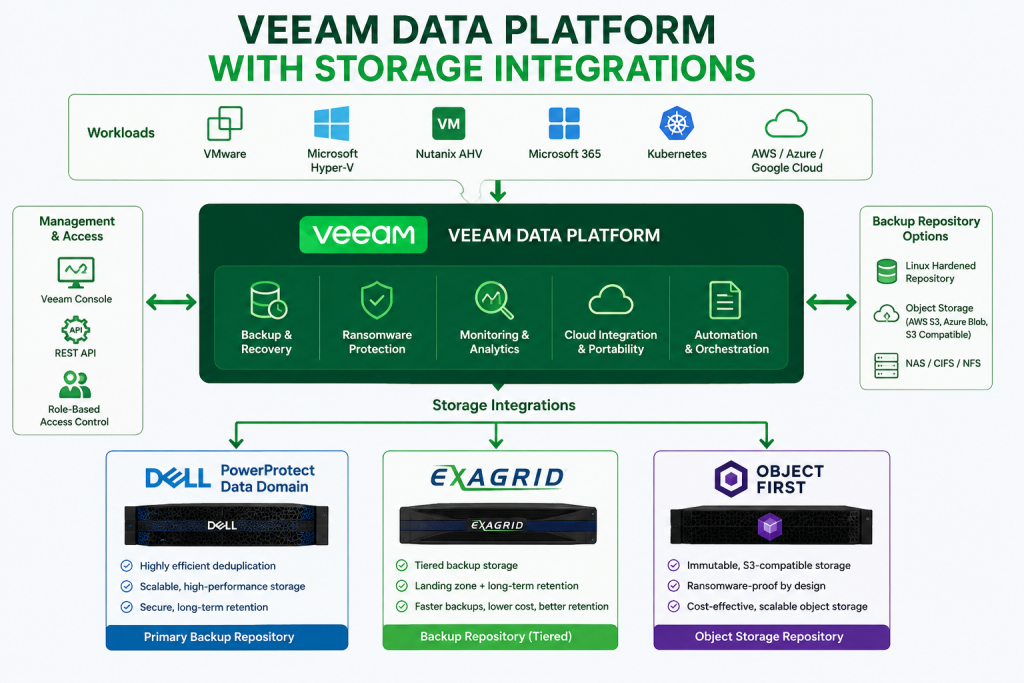
With the release of Veeam 13.1, I couldn’t wait to upgrade my lab environment and see how the new update process worked firsthand. When a new Veeam release becomes available, one of the first things I do is upgrade my lab before recommending it to customers. Working in the SHI Customer Innovation Center (CIC), our lab is where we validate upgrades, test compatibility, and make sure everything performs as expected before customer demonstrations and proof-of-concepts.
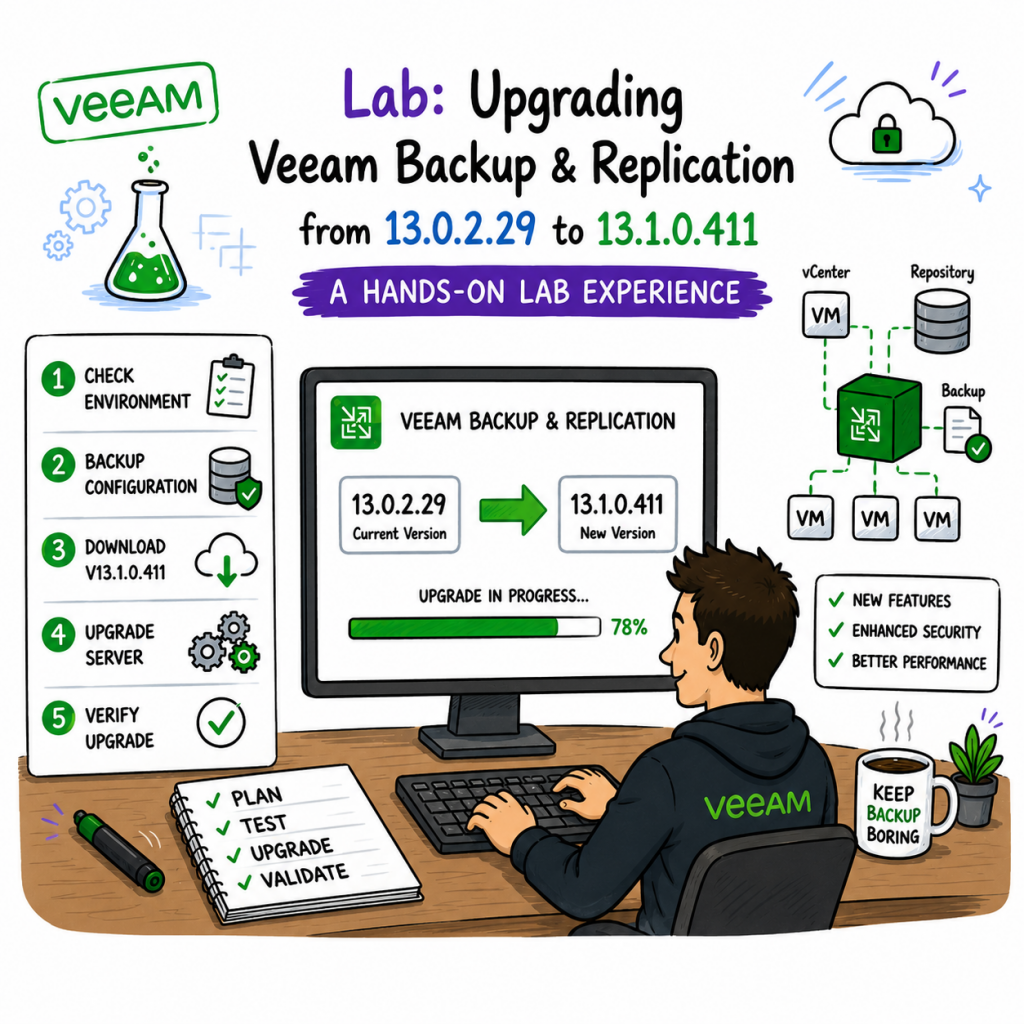
With the release of Veeam 13.1, I couldn’t wait to upgrade my lab environment and see how the new update process worked firsthand. When a new Veeam release becomes available, one of the first things I do is upgrade my lab before recommending it to customers. Working in the SHI Customer Innovation Center (CIC), our lab is where we validate upgrades, test compatibility, and make sure everything performs as expected before customer demonstrations and proof-of-concepts.
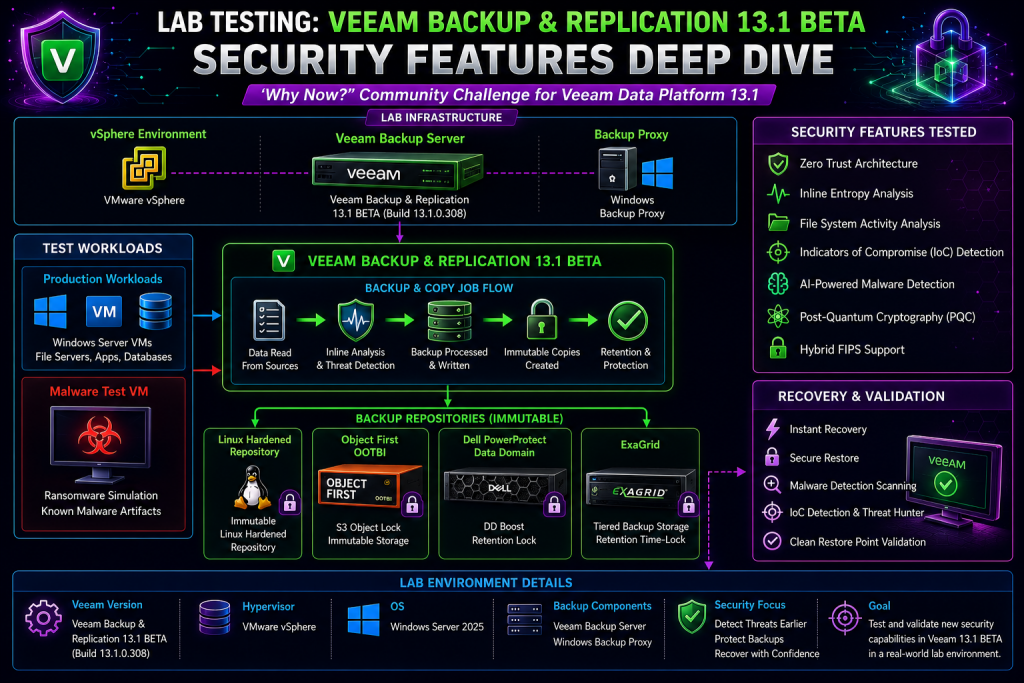
Every time I get access to a new Veeam BETA release, I have the same routine. I spin it up in the lab, build out a realistic customer environment, and start testing. While new platform support and performance improvements are always exciting, the first area I wanted to explore in Veeam Backup & Replication 13.1 BETA was security.
There’s always something exciting about getting access to a new Veeam beta release. As someone who spends most of my time in the lab testing new features before customers deploy them, I couldn’t wait to spin up Veeam Backup & Replication 13.1 Beta and see what it brings.
I recently deployed the Veeam Plug-in for HPE Morpheus VM Essentials version 13 (RTM) on my Veeam Backup lab server, which is running v13.0.1. Once tested, I’ll have it available to demonstrate to my customers. Veeam has introduced a dedicated plug‑in that enables image‑level backup and restore for virtual machines running on HPE VM Essentials.
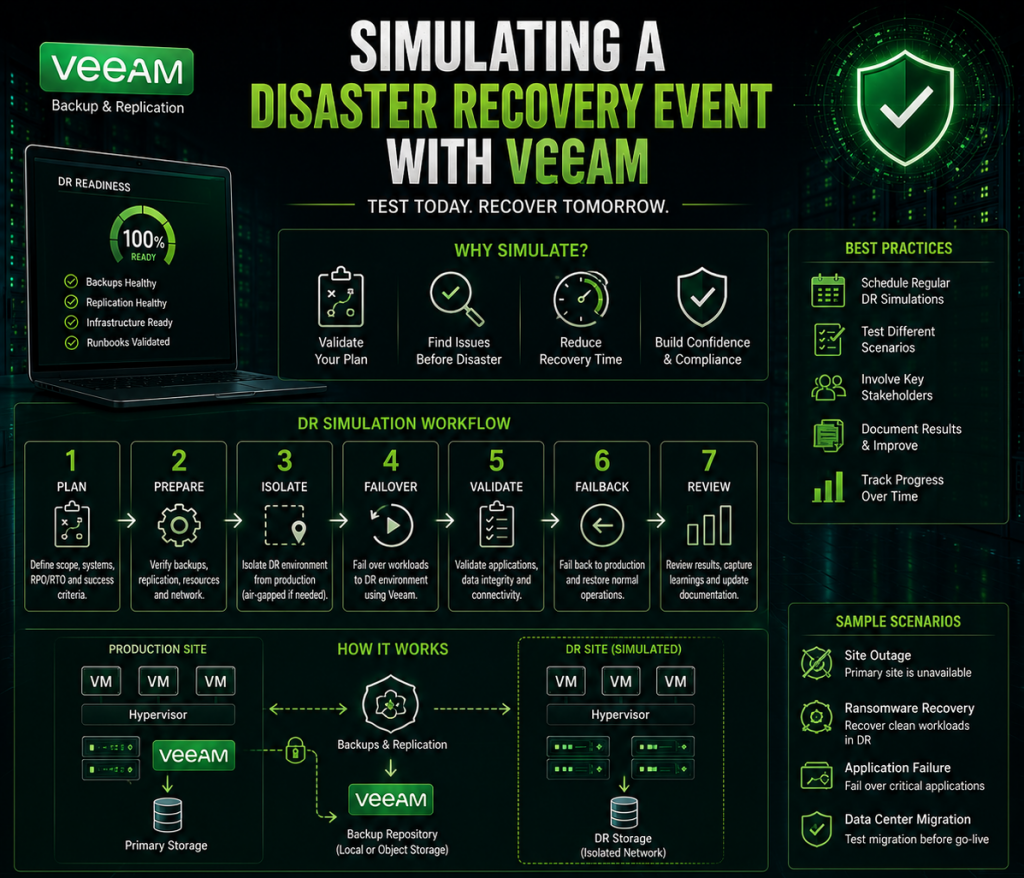
Let’s be honest—most disaster recovery plans look great on paper. That’s if you have a Disaster Recovery Plan available. I ask my customers and most don’t have one. What’s even worse is they don’t test their restores.
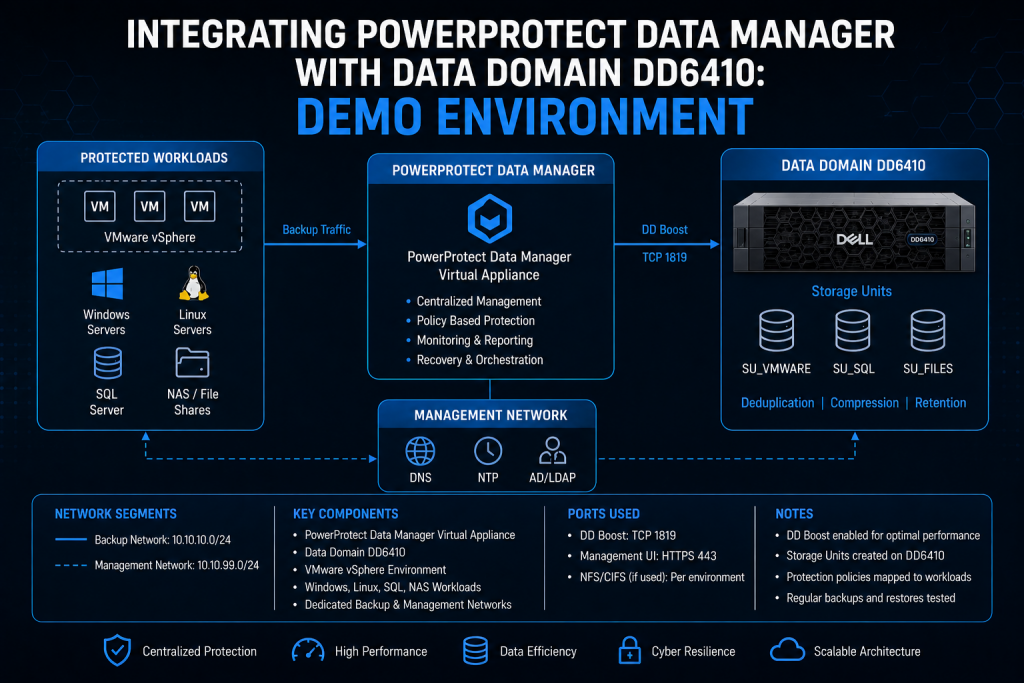
In my lab, I spent time integrating PowerProtect Data Manager with a Data Domain DD6410 to better understand deployment flow, configuration requirements, and real-world operational behavior. The process was straightforward overall, but there are several things worth validating immediately after deployment to avoid performance or retention problems later.
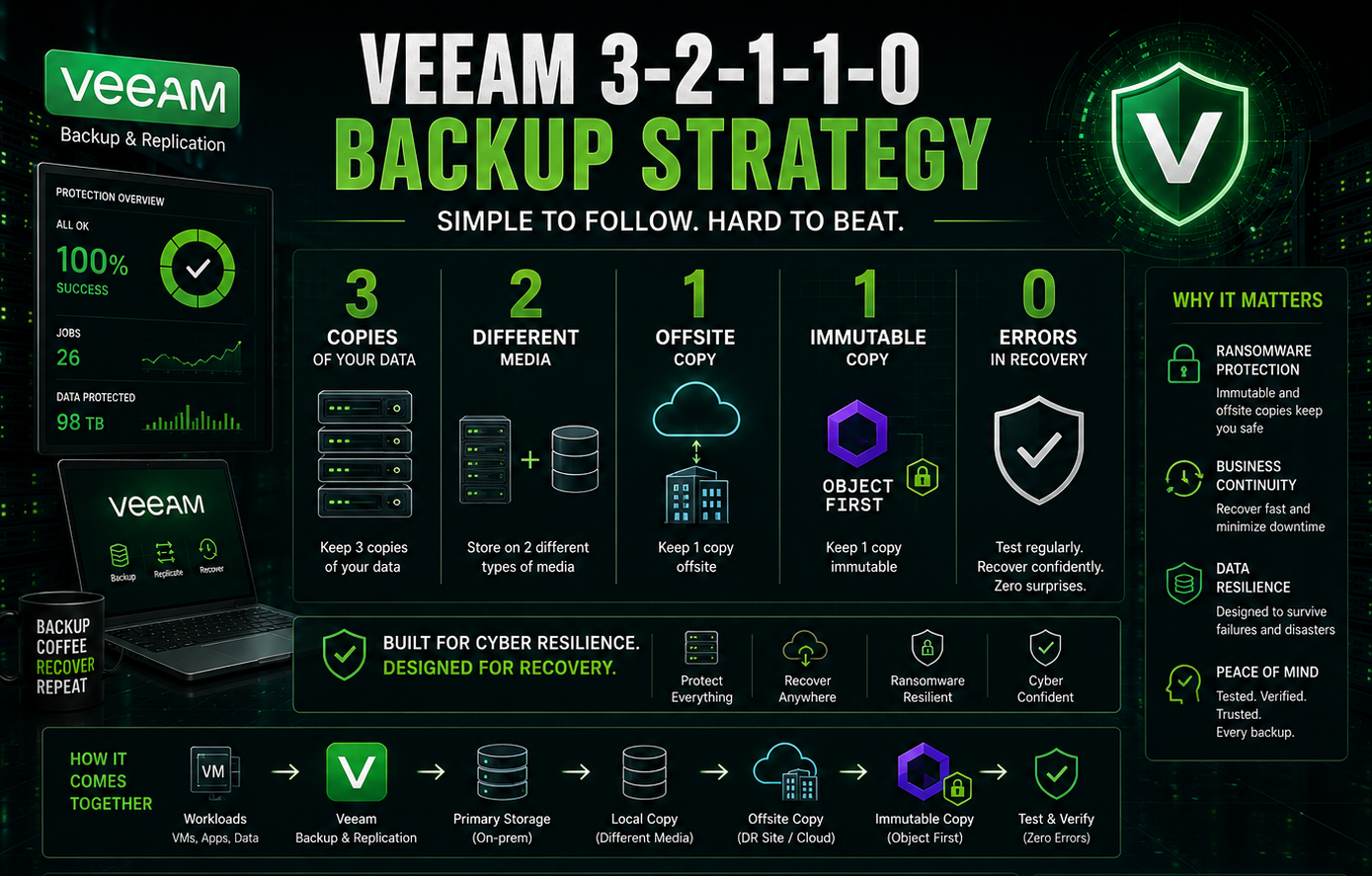
You’ve probably heard the 3-2-1 rule a hundred times. Keep 3 copies of your data, on 2 different media types, with 1 copy offsite. It’s been the gold standard of backup strategy for years — and for good reason.
It was a technical milestone last week for me in the lab after successfully migrating my Veeam v13.0.1 backup server from Windows to a Linux VSA.